Galileo PNR Converter

Convert raw Galileo (1G) PNRs — and their Apollo (1V) cousins — into a clean itinerary you can hand to a customer. The parser locks onto the RLOC 1G header automatically and reads each segment row without further hints.

Whether you’re working in Galileo Desktop, Travelport+ Smartpoint, or the legacy command-line interface, copy the full *R response — locator, name field, segments, and ticketing footer — and drop it into the textarea. The output is ready to email, print, or attach.
Enter your PNR code

Flight class Economy
Economy
Premium Economy
Business
First Class
Logo on ticket Without logo
Expedition
Your logo
No logo

Passengers
2 max

+ Add Passenger

Enter email to receive your flight itinerary

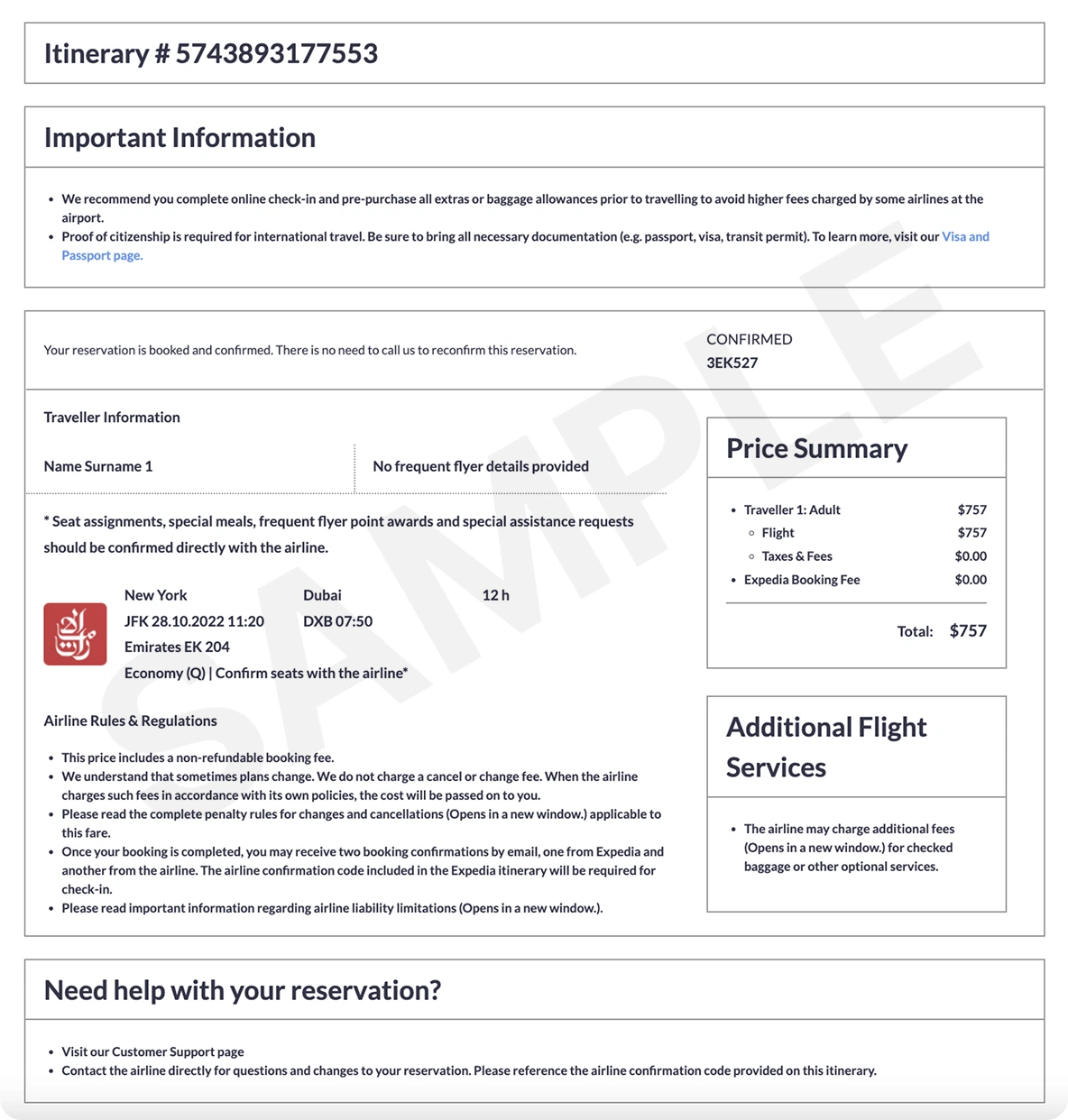
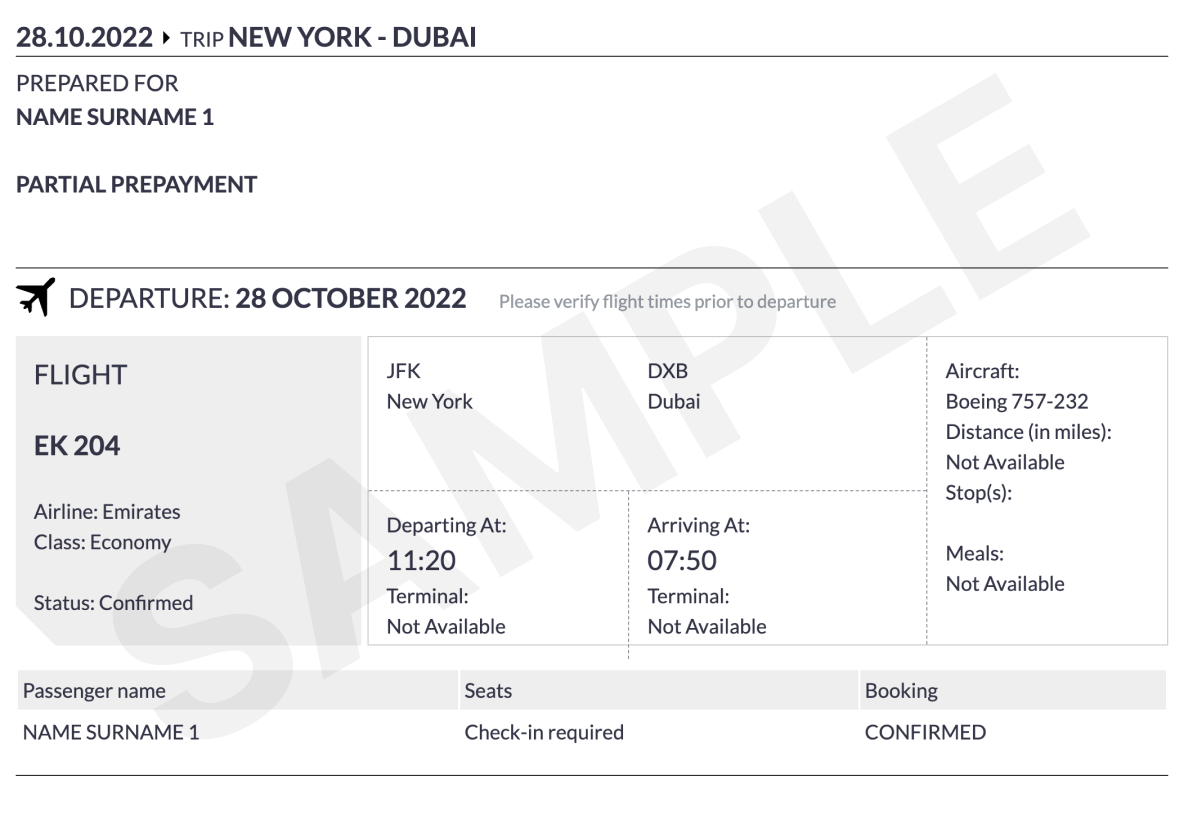
What a verifiable ticket looks like
ticket ticket

How the Galileo PNR Converter works

1
Paste the *R response
Run *R in Galileo or Apollo and copy everything from the RLOC header down to the agency-address footer. Travelport+ Smartpoint exports work identically.
2
Check the parsed segments
Galileo flight rows don’t use the leading 1.1 numbering — the parser handles this and reads passengers from the SURNAME/GIVEN name field. Next-day arrivals marked with # are rendered as +1 day on the itinerary.
3
Generate and send
Simple itinerary by email (free) or Pro Expedia-style ticket with PNR and pricing. Both are downloadable PDFs ready to share.

Example: Galileo (1G) PNR with two passengers

Galileo (1G) format
GLO789  1V/SU  *RLOC 1G GLO789*
 1.JOHNSON/JOHN MR  2.JOHNSON/JANE MRS
 1. LH 401 Y 03MAY FRAJFK HK2  1015 1335 *  E
 2. LH 400 Y 10MAY JFKFRA HK2  1855 0830#  E
FONE-FRA1*49 69 87654321
TKTG-TAU/03MAY/FRA1
AGY ADDR-DUMMY TRAVEL FRA1

Frequently Asked Questions

Does it work for both Galileo (1G) and Apollo (1V)?

Yes. The Travelport family — Galileo (1G), Apollo (1V), and the modern Travelport+ Smartpoint output — all share the same RLOC header and segment grammar, and they’re all detected automatically.

Where is the Galileo record locator?

The 6-character locator appears in the RLOC 1G <LOCATOR> line at the top of the *R response (for example GLO789). The converter copies it into the itinerary so you don’t need to retype it.

How are overnight Galileo flights handled?

Galileo marks a next-day arrival with a # after the arrival time. The converter increments the arrival date by one day in the output so the +1 indicator is clear to the customer.

Does it parse Apollo PNRs from the United GDS workflow?

Yes — Apollo (1V) responses follow the same grammar as Galileo. Paste the *R output and the converter handles it identically.

Can I use the itinerary for a visa application?

The Simple itinerary is accepted by most embassies for visa interviews and onward-travel checks. For a verifiable PNR that the airline can confirm, choose the Pro ticket.