Worldspan PNR Converter

Turn a raw Worldspan (1P) PNR into a polished itinerary in one click. The converter detects 1P by its 1.1 passenger numbering combined with the # next-day marker on overnight segments.

Whether you’re in Worldspan Go!, Travel Bridge, or the classic green screen, copy the *A display in full and paste it as-is. The parser picks up every flight segment, preserves the status code, and renders an itinerary that’s safe to send to customers without further editing.
Enter your PNR code

Flight class Economy
Economy
Premium Economy
Business
First Class
Logo on ticket Without logo
Expedition
Your logo
No logo

Passengers
2 max

+ Add Passenger

Enter email to receive your flight itinerary

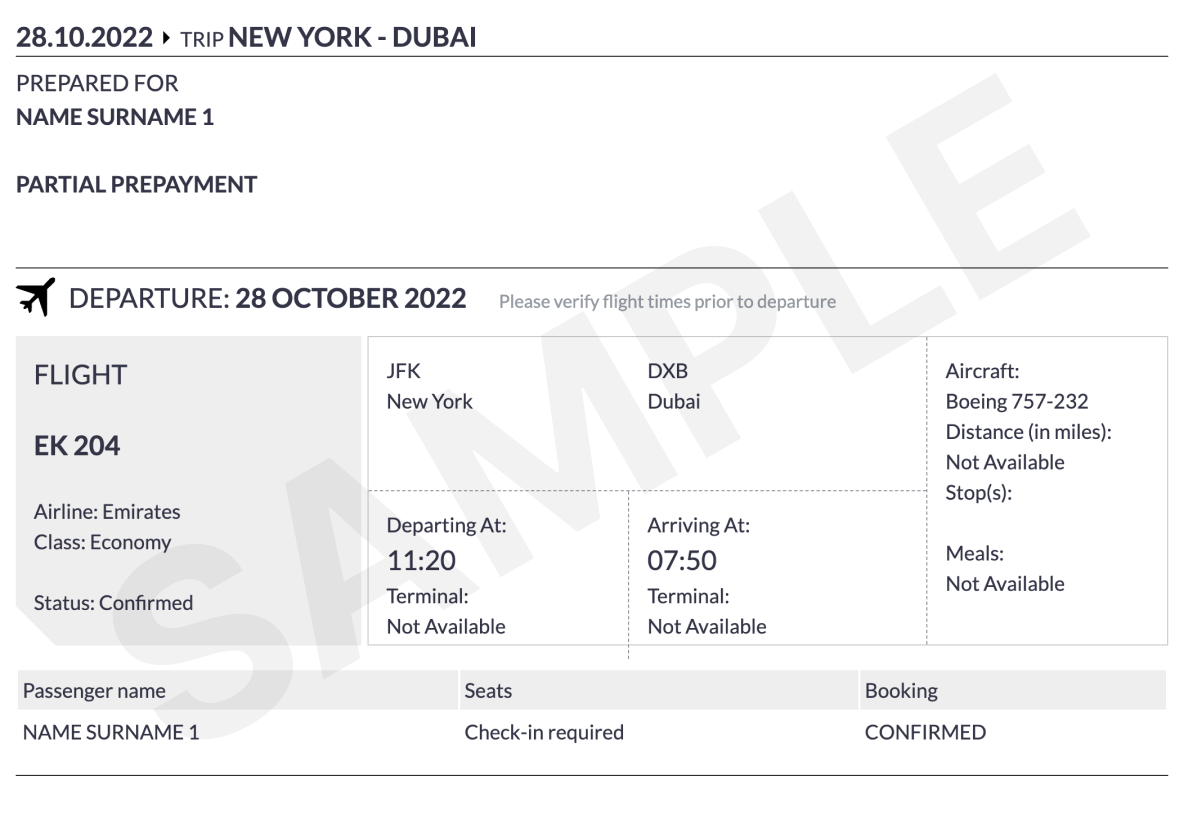
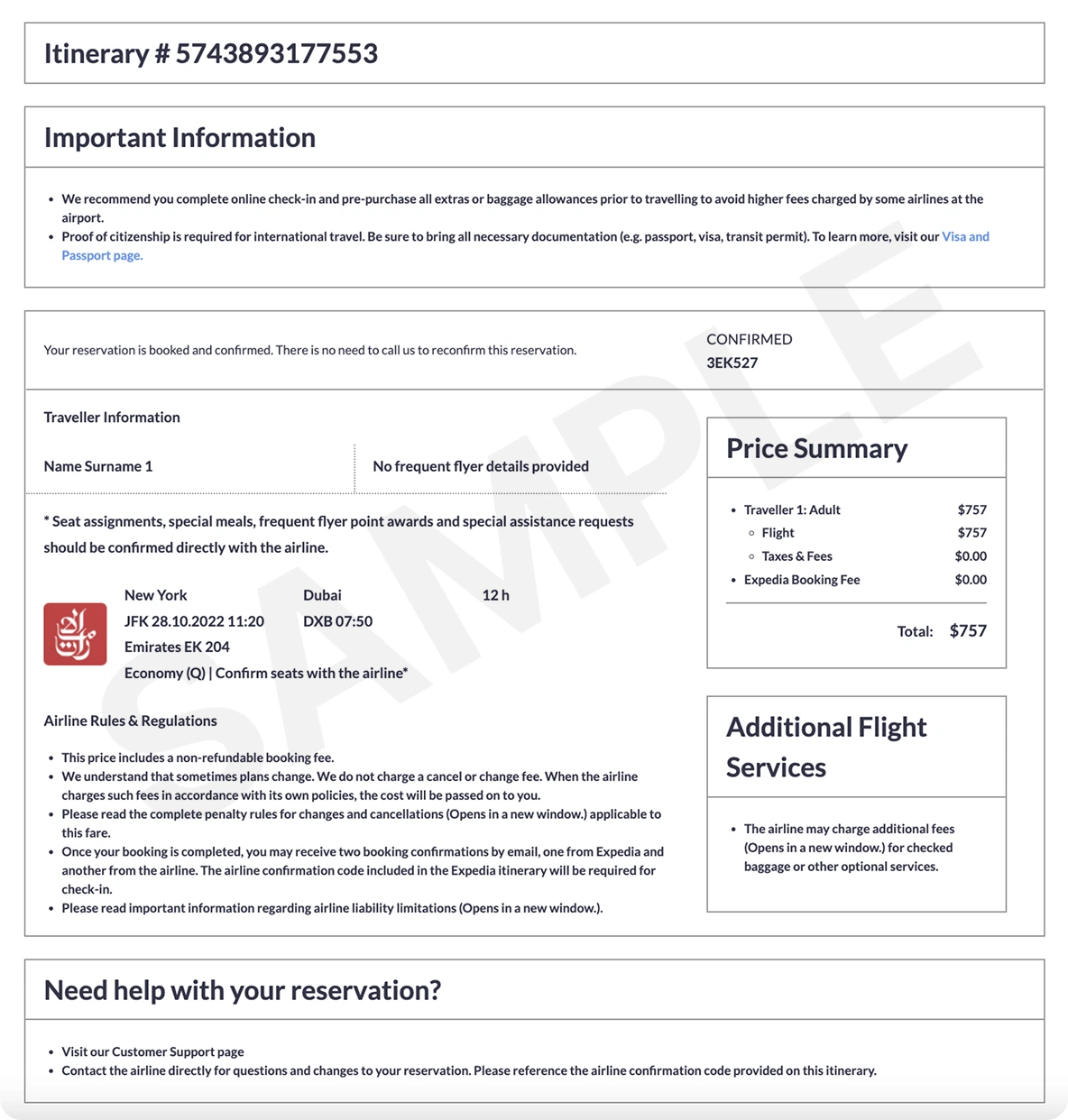
What a verifiable ticket looks like
ticket ticket

How the Worldspan PNR Converter works

1
Paste the *A display
Copy the whole Worldspan response — locator on the first line, passenger field, segments, and ticketing footer. No need to remove queue or remark lines.
2
Verify what was decoded
Worldspan marks overnight arrivals with # before the next-day date. The converter reads this and renders a +1 day indicator on the itinerary so customers don’t miss it.
3
Send the itinerary
Choose Simple (free, e-mailed PDF) or Pro Expedia-style ticket with PNR and price summary. Both download in seconds and are ready to share.

Example: Worldspan PNR with two passengers and a return

Worldspan (1P) format
WS4Q2P
 1.1JOHNSON/JOHN MR  2.1JOHNSON/JANE MRS
 1 DL 100Y 03MAY S ATLLHR HK2  1830 0640#04MAY  E
 2 DL 101Y 10MAY S LHRATL HK2  1055 1445  10MAY  E
TKT/TIME LIMIT
  1.T-03MAY/ATL1S
PHONES
  1.ATL*404 555 0199
RECEIVED FROM - JOHN
03MAY/ATL1S/WS4Q2P

Frequently Asked Questions

Which Worldspan PNR formats are supported?

Anything from Worldspan Go!, Travel Bridge, or the legacy green screen — basically any *A output. The parser uses the combination of 1.1 passenger numbering and the # next-day marker as the Worldspan signature.

Where is the Worldspan record locator?

The 6-character locator sits on the very first line of the *A display (for example WS4Q2P). The converter copies it into the itinerary automatically.

How are overnight arrivals shown?

When Worldspan prints #04MAY after the arrival time, the converter renders the arrival date as 04 May with a +1-day badge so the customer can see they land the next day.

Does it handle ARNK and OPEN segments?

Yes. ARNK (surface) segments and OPEN-dated rows are preserved in the itinerary so the routing remains complete and auditable.

Can I use the output for a visa interview?

The Simple itinerary is accepted by most consulates for visa applications and onward-travel checks. For a verifiable PNR that the airline can look up directly, choose the Pro ticket.